Play Flex City on PC
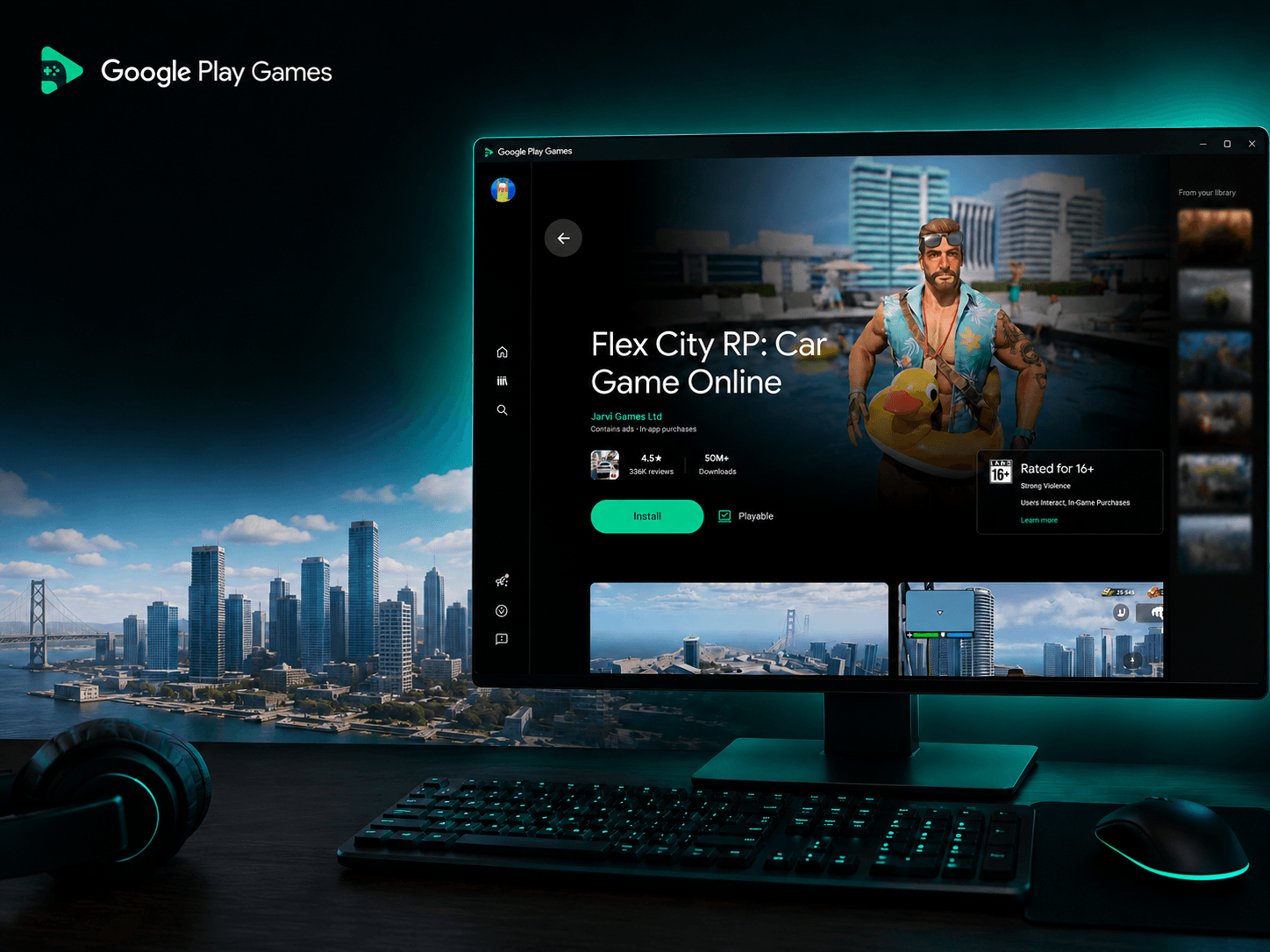
Want to play Flex City on your PC? You can enjoy the full game on Windows using Google Play Games, Google's official platform for playing Android games on computers.
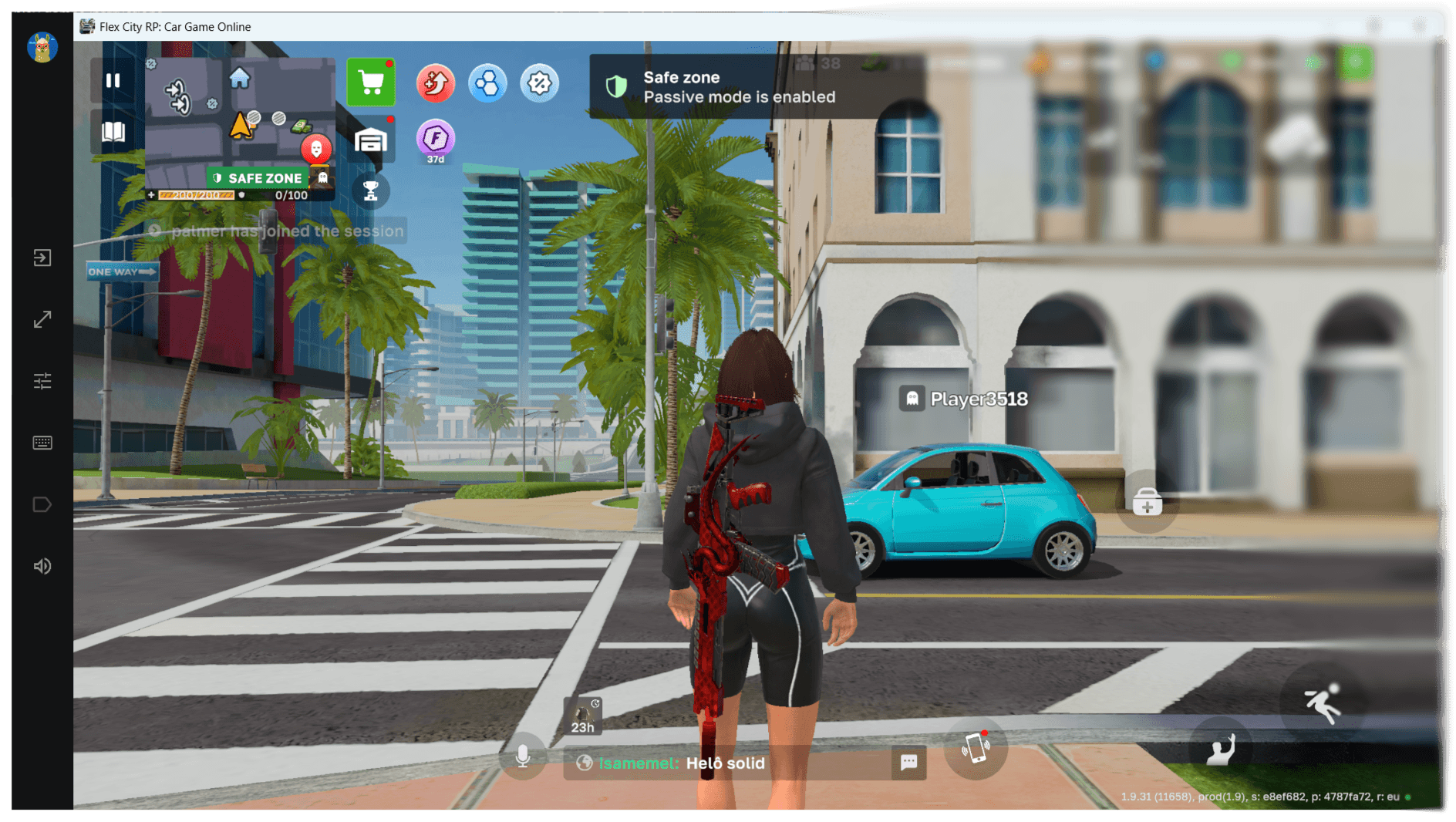
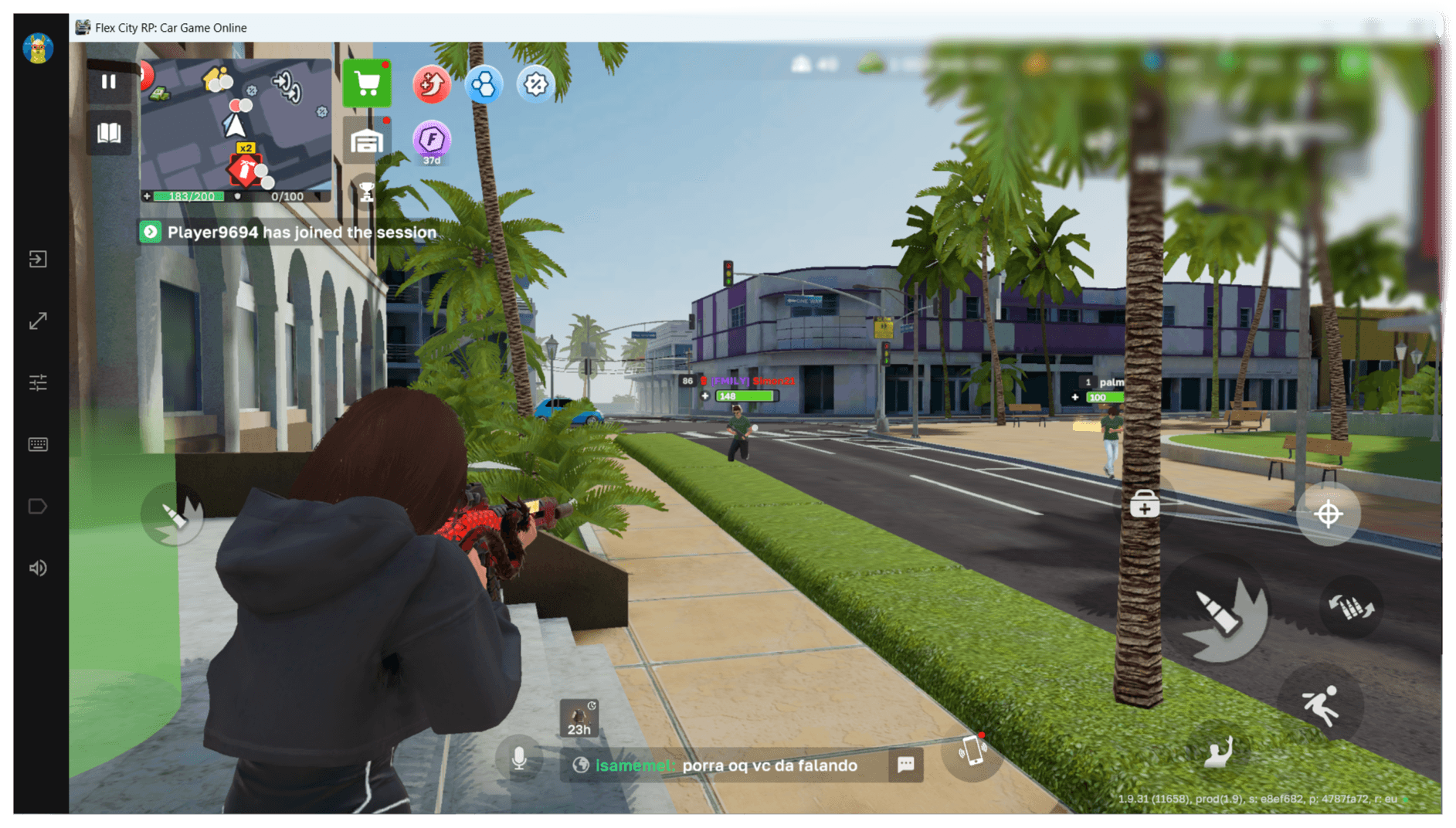
Playing Flex City on PC offers a larger screen, smoother performance, and the convenience of keyboard and mouse controls while keeping your progress synced with your Google account.
Whether you're a new player or switching from mobile, getting started only takes a few minutes.
Why Play Flex City on PC?
Playing on PC provides several advantages over mobile devices.
1. Bigger Screen
Enjoy Flex City on a larger display with improved visibility and a more immersive gameplay experience.
2. Better Controls
Play comfortably using your keyboard and mouse for more precise movement and interactions.
3. Smooth Performance
Modern PCs often deliver higher and more stable performance than mobile devices, resulting in smoother gameplay and faster loading times.
4. Keep Your Progress
Sign in with the same Google account you use on your Android device to continue your adventure without starting over.
How to Install Flex City on PC
Installing Flex City through Google Play Games is simple and only takes a few minutes.
Step 1. Download Google Play Games
Visit the official Download Google Play Games website and download the installer for Windows.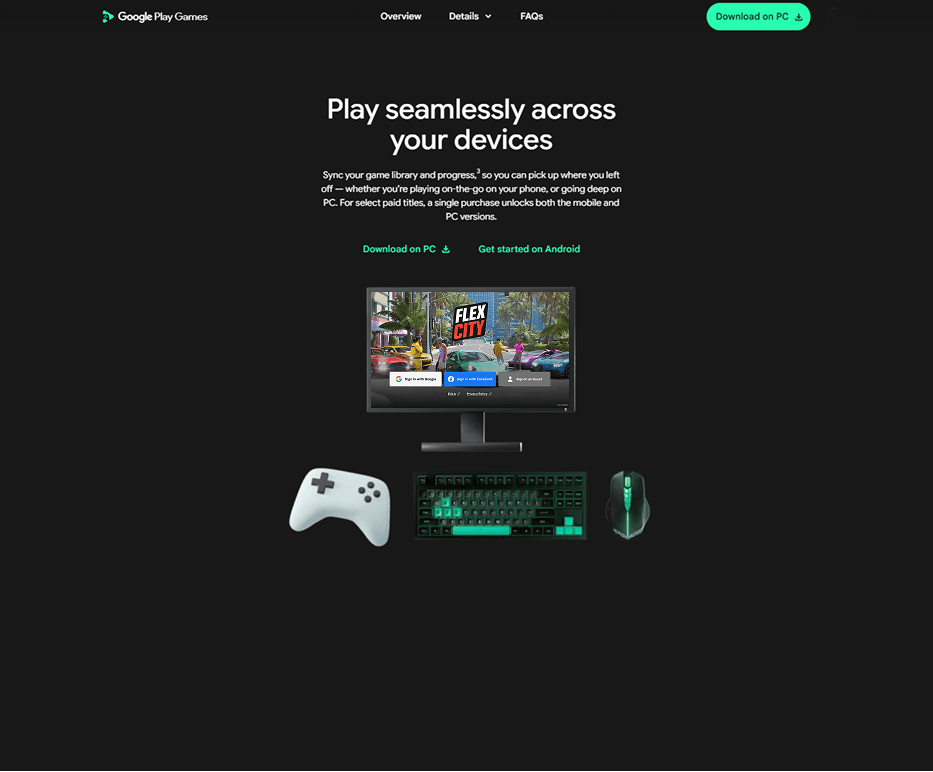
Step 2. Install Google Play Games
Open the downloaded installer and follow the installation instructions.
The installation usually takes just a few minutes.
If Windows asks for permission to install the application, click Yes.
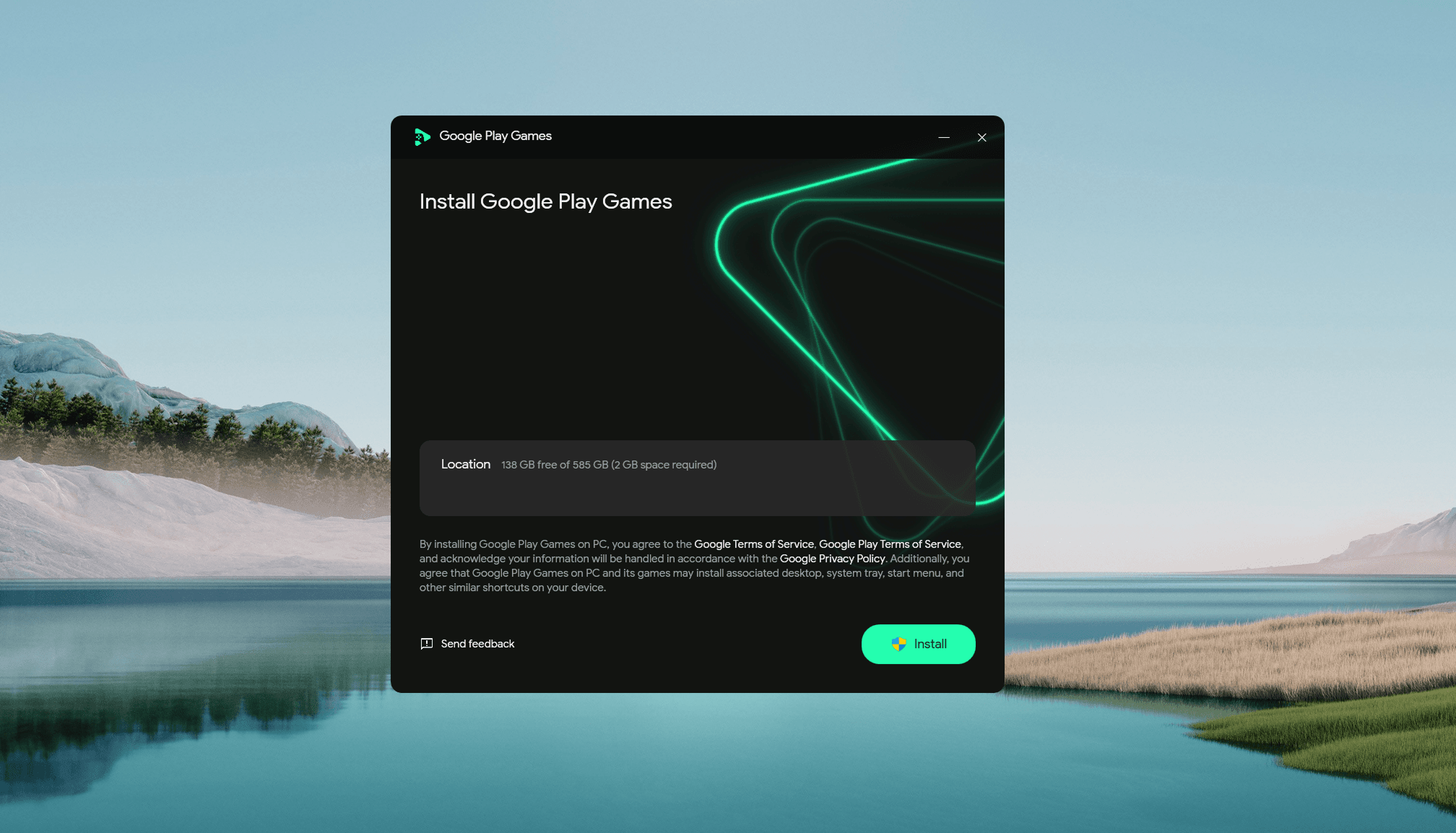
Step 3. Sign In to Your Google Account
Launch Google Play Games and sign in with your Google account.
If you already play Flex City on your Android device, use the same account to synchronize your game progress.
Step 4. Complete the Initial Setup
During the first launch, Google Play Games may download additional components or ask you to restart your computer.
Wait until the setup is complete before continuing.
Step 5. Search for Flex City
Use the search bar at the top of Google Play Games and search for Flex City.
Open the game's page from the search results.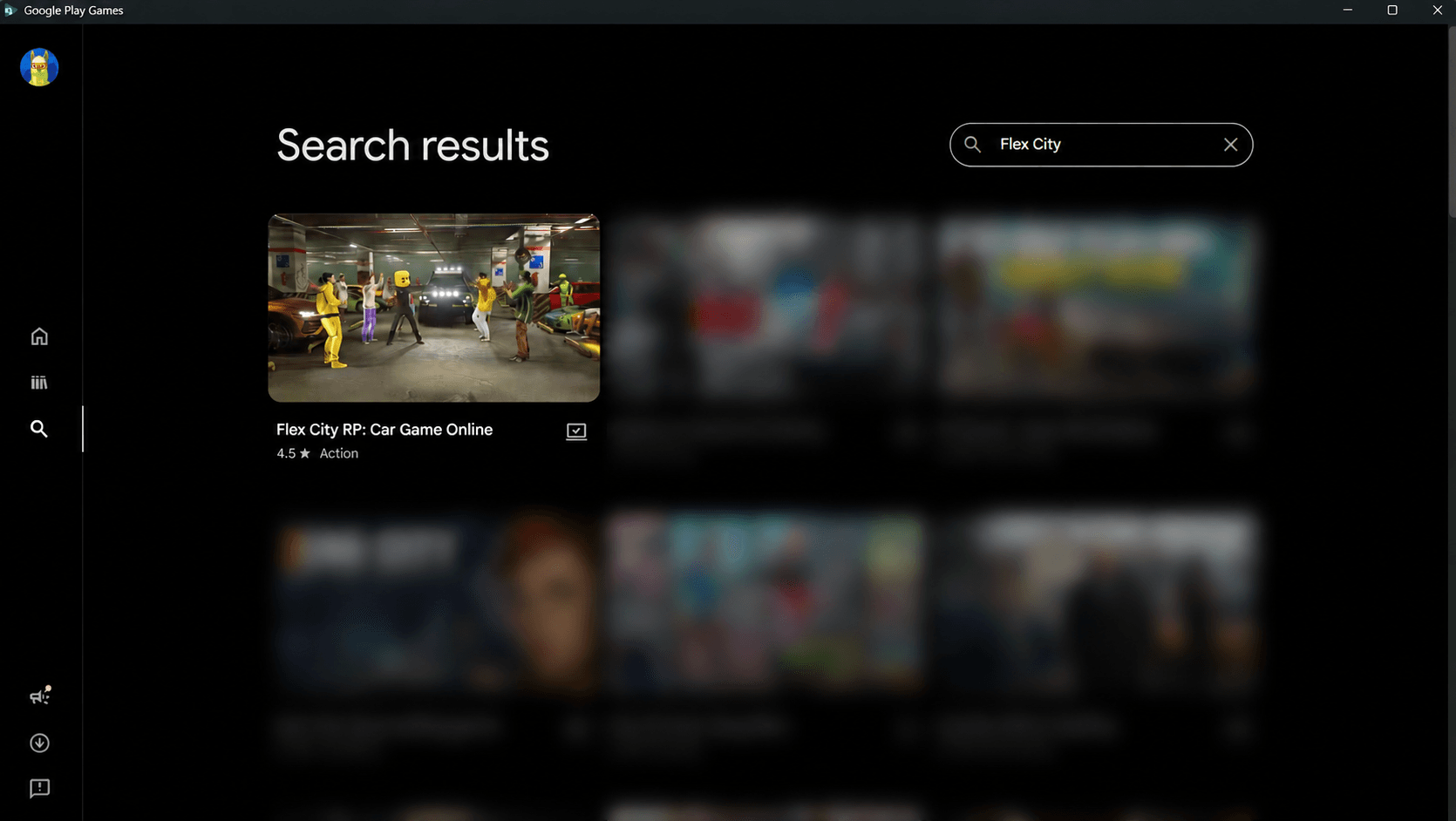
Step 6. Install Flex City
Click the Install button and wait for the download to finish.
The installation process will begin automatically.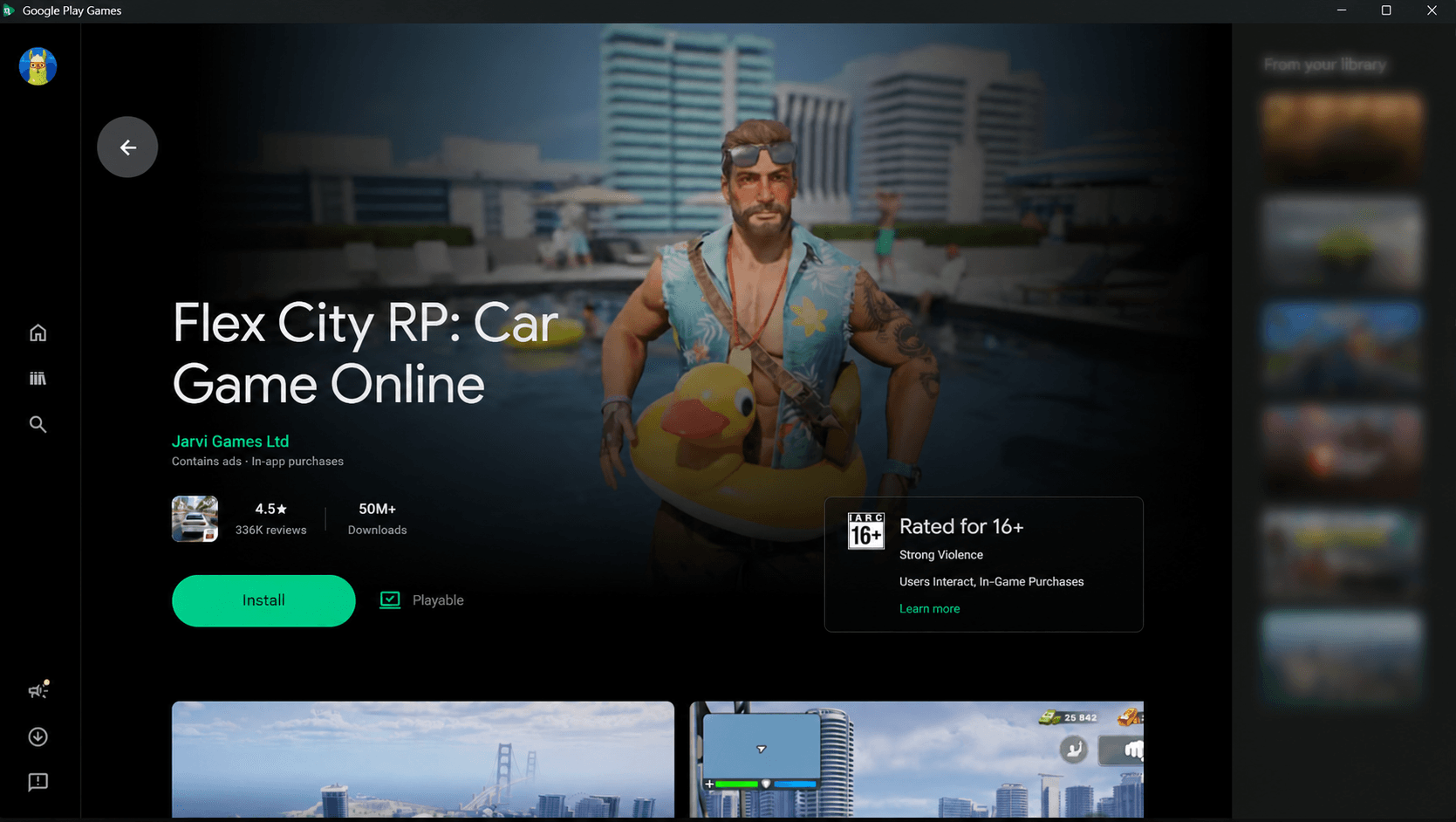
Step 7. Launch the Game
Once the installation is complete, click Play.
Flex City will launch and you'll be ready to start playing on your PC.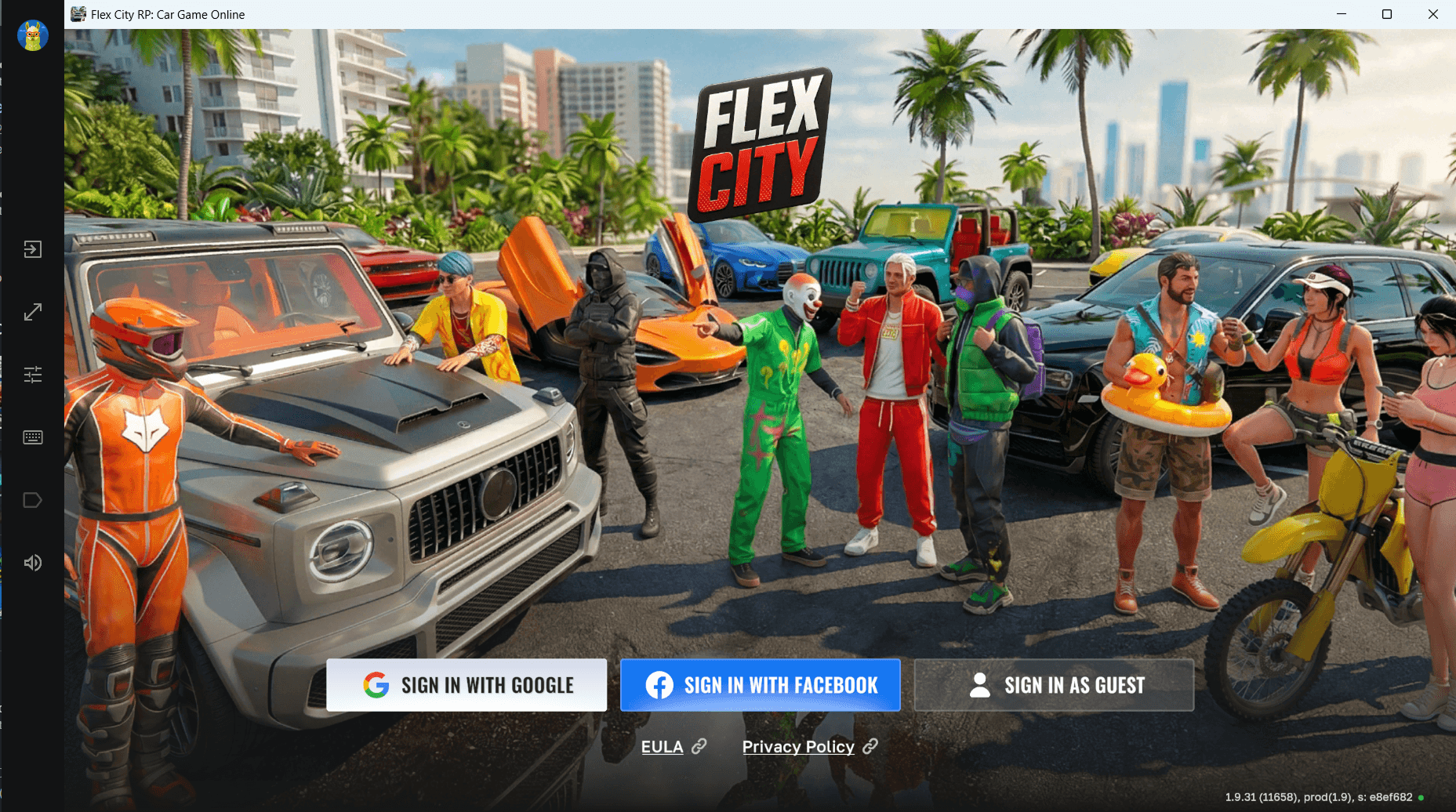
Recommended Settings
For the best gaming experience, we recommend a few simple adjustments.
Keep Google Play Games Updated
Google Play Games updates automatically.
Using the latest version ensures the best compatibility, stability, and performance.
Update Your Graphics Driver
For the smoothest gameplay, install the latest graphics driver for your GPU.
Supported manufacturers include:
- NVIDIA
- AMD
- Intel
Close Background Applications
Closing unnecessary applications before launching Flex City can improve performance and reduce memory usage.
System Requirements
To play Flex City through Google Play Games, your PC should meet these minimum requirements:
- Windows 10 (Version 2004) or later
- SSD with at least 10 GB of free storage
- 8 GB RAM or more
- Processor with at least 4 physical CPU cores
- Hardware virtualization support
- Updated graphics drivers
- Administrator access on Windows
Frequently Asked Questions
Is Flex City free to play on PC?
Yes. Flex City is free to download and play through Google Play Games.
Do I need a separate account?
No.
Simply sign in with your existing Google account.
Will my progress transfer from Android?
Yes.
If you use the same Google account, your game progress will be synchronized between your Android device and PC.
Can I use a keyboard and mouse?
Yes.
Google Play Games supports keyboard and mouse controls for compatible games, making Flex City more comfortable to play on PC.
What if Google Play Games won't launch?
Make sure your PC meets the minimum system requirements, Windows is fully updated, and hardware virtualization is enabled.
Restarting your computer after installation can also resolve most setup issues.
Is Google Play Games safe?
Yes.
Google Play Games is Google's official platform for running Android games on Windows, providing a secure and reliable way to play Flex City on your computer.
Start Playing Flex City on PC Today
Google Play Games is the easiest and most reliable way to enjoy Flex City on PC.
Download the official client, install Flex City, sign in with your Google account, and experience the game on a larger screen with improved controls and smooth performance.